How to Discover New Music Through Songwriter and Producer Credits
A practical credits trail for finding related songs, comparing one role at a time and handling missing metadata carefully.
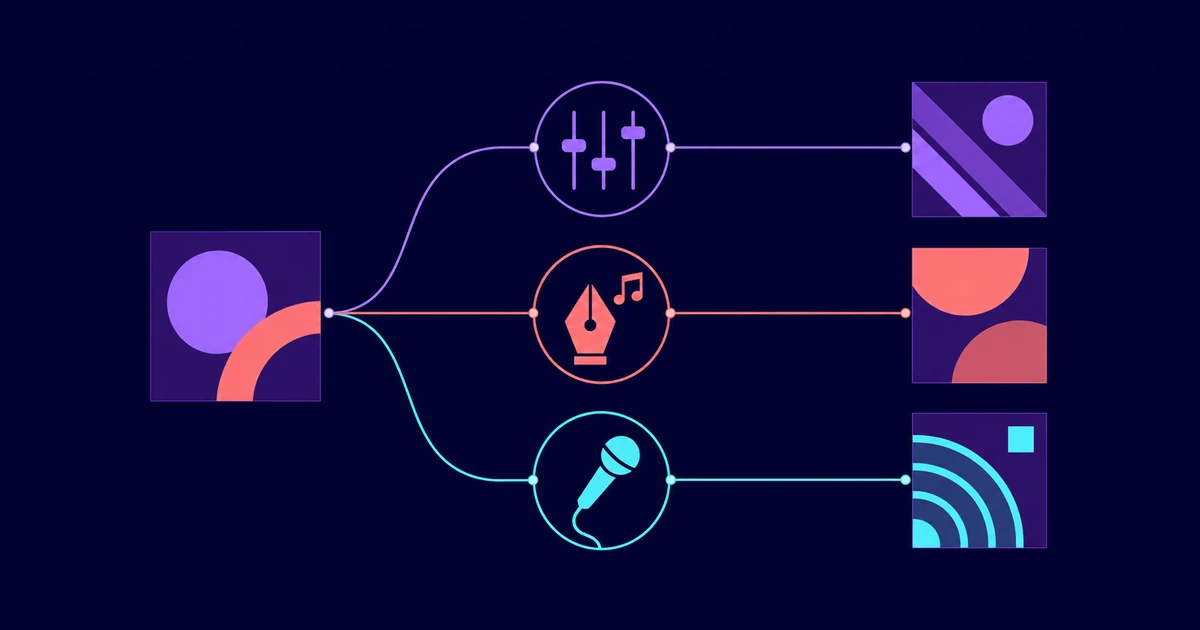
Pick a song you already love and open its credits. Copy one contributor's exact name and the role shown beside it. Then find two other songs that credit the same person in the same role and listen for the quality that caught your ear in the first place. Keep the role attached to the name. A listed contributor did not necessarily write, produce or perform the track.
This is different from asking for songs that sound broadly similar. You are following one credited connection to see whether it leads anywhere interesting. For a wider, algorithm-led route, use the guide to finding similar songs on Apple Music and Spotify.
Follow a five-step credits trail
- Start with one song and decide what you want to trace. It could be the vocal arrangement, drum texture, spacious mix or shape of the chorus.
- Open the credits, then copy the contributor's name exactly as displayed and note the role beside it.
- Stick to one role for each trail. Keep producer, songwriting and performing credits in separate searches.
- Look for two other songs that credit the same person in the same role. A few tracks are easier to compare than a large playlist assembled before you listen.
- Save only the songs that share the quality you were tracing. The credit may match even when the music does not.
Keep every name attached to its displayed role
A long list of contributor names is not much help on its own. The role is the useful part. Follow a producer as a producer and a songwriter as a songwriter. Treat performing and engineering credits with the same care.
- Producer trail: include only songs that explicitly credit the person as a producer.
- Songwriter trail: keep the search tied to a displayed songwriter or writer role.
- Performer trail: follow the displayed performing credit when a particular voice or instrumental performance caught your attention.
- Engineer trail: keep the engineering label instead of quietly turning that person into a producer.
Run a small listening experiment
Take a fictional track called Glass Harbor, which lists Noor Vale as its producer. Find two other fictional songs that also list Noor Vale as producer. Then compare the same part of all three tracks, such as the opening, first chorus or transition into the final section.
Listen for one feature at a time. You might start with vocal placement, then move to rhythmic density or transitions. This cannot prove that the producer caused every similarity. It simply tells you whether that credit trail is useful for finding music you want to hear again.
If neither follow-up song has the quality you wanted, leave that trail behind. Return to the starting song and try another displayed role.
Understand what Apple Music and Spotify can verify
Apple Support says Apple Music on the web can display production and engineering roles, performing artists and other credits without requiring a subscription. Credits are not available for every song, so an empty view does not prove that nobody held a particular role.
Spotify says its credits come from metadata supplied by labels or distributors. A songwriter credit can be clickable when the writer has a Songwriter Page and a connected Written By playlist, though this is not available for every songwriter. Some distributors do not support Spotify credits at all.
When a role is missing, a name is spelled differently or two services disagree, leave the connection unresolved. Check another credits view or official release material if one is available, but do not guess who wrote, produced, engineered or performed the track.
Turn successful trails into a focused playlist
Put the starting song and both follow-up tracks in a temporary comparison playlist. Add the role to the playlist name, such as producer trail or songwriter trail, so separate searches do not blur together.
After listening, remove the weak matches and keep the discoveries that worked. The guide to organizing liked songs into playlists can help you sort those tracks once the experiment is over.
Use credits as a path back to listening
A useful credits trail should leave you with a small, intentional group of songs, not a long list of names. Follow one exact role, compare two connected tracks and keep only what earns another listen.
If you use Lyrical, return to it after the search. Use the displayed Apple Music or Spotify credits to establish the connection, then let your own listening decide whether to follow it further.
Sources
- Apple Support: View song credits in Apple Music
- Spotify: Clickable song credits