How to Find Similar Songs on Apple Music and Spotify
A practical cross-platform method for turning one favorite song into a focused shortlist of similar music.
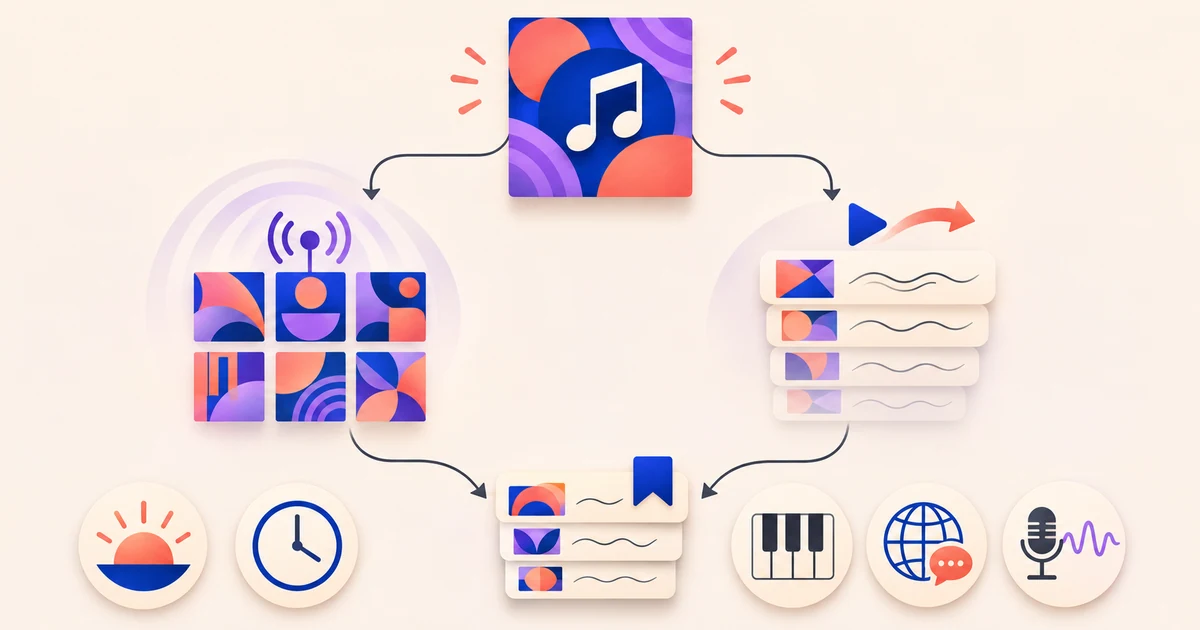
On Spotify, use Radio to build a collection around a song, album, or artist. On Apple Music, turn on AutoPlay to keep listening after the current song ends. Before you begin, decide which part of the song you want more of. Save the closest matches, then use the best one as a fresh starting point.
Decide what similar should mean
Songs can feel similar for completely different reasons. Maybe it is the restrained vocal, nostalgic production, language, heavy bass, or late-night mood. A recommendation might match the tempo yet miss the thing that drew you to the original.
Choose one quality that matters most, plus another to settle close calls. You will have a clearer test for each recommendation instead of relying on a vague first impression.
- Mood: calm, tense, celebratory, dreamy, or melancholic.
- Era: current production or a sound associated with an earlier period.
- Instrumentation: acoustic guitar, dense synths, strings, percussion, or another defining texture.
- Language: the same language, a multilingual mix, or a different language with a similar delivery.
- Vocal style: breathy, conversational, powerful, rhythmic, or led by harmonies.
Start Spotify Radio from the best seed
Spotify says Radio can create a collection from an artist, album, or song. Pick the most specific seed that suits the search. A song works when you want a particular sound. An album opens up the production palette, while an artist allows for more variation.
- Open the song, album, or artist you want to use as your seed.
- Open its controls and choose Go to Radio.
- Listen for the quality you chose instead of treating every recommendation as an equally close match.
- Save the Radio to Your Library if you want to return to the collection while comparing songs.
Use Apple Music AutoPlay to continue from a song
Apple says AutoPlay finds similar songs and plays them after the current one. It is useful when you want discovery to continue from something you are already listening to.
- Play the song you want to start with.
- Tap the current song at the bottom of the screen, then open Playing Next.
- Scroll to AutoPlay and turn it on if needed.
Apple states that AutoPlay requires an Apple Music subscription.
Build a shortlist instead of trusting the first result
These features start in different ways, so think of them as separate discovery routes rather than identical tests. Neither support page explains why a particular track appears. There is also no guarantee that a result will preserve the quality you care about.
- Start with one song that clearly represents the sound you want.
- Check each candidate against the quality that matters most. Use your other choice to separate close calls.
- Keep a temporary shortlist of the closest matches and add a short note about why each one fits.
- Try the strongest new match as another seed. It may steer the recommendations closer to the specific sound you want.
- If you use both services, repeat the test on each platform and compare the songs themselves, not the number of results.
A clearly hypothetical example
Imagine that the song you love pairs a hushed vocal with sparse electronic production. Focus first on the vocal, then use the instrumentation as a tiebreaker. A track with a similar tempo but a large, theatrical chorus would miss the point. A slower song with the same intimate delivery and minimal arrangement might fit much better, even under a different genre label.
That is the useful part of the process. The service supplies the candidates, but you decide what similarity means for this search.
Follow the lyrics after you discover a keeper
Lyrical does not recommend similar songs in this process. Once you find something worth keeping, it provides dynamic synced lyrics for supported listening on Apple Music and Spotify. If language shaped your search, its romanized lyrics can help you follow the pronunciation for supported songs and languages.
Download Lyrical on the App Store if you want synced lyrics for the songs you discover. For the next search, choose one favorite track and write down the single quality you want another song to share.
Sources
- Spotify Radio support
- Apple Music queue and AutoPlay support
- Lyrical product site