How to Find a Song When You Only Remember the Tune
Choose the right song-identification method, verify likely matches, and save the confirmed track before looking up its lyrics.
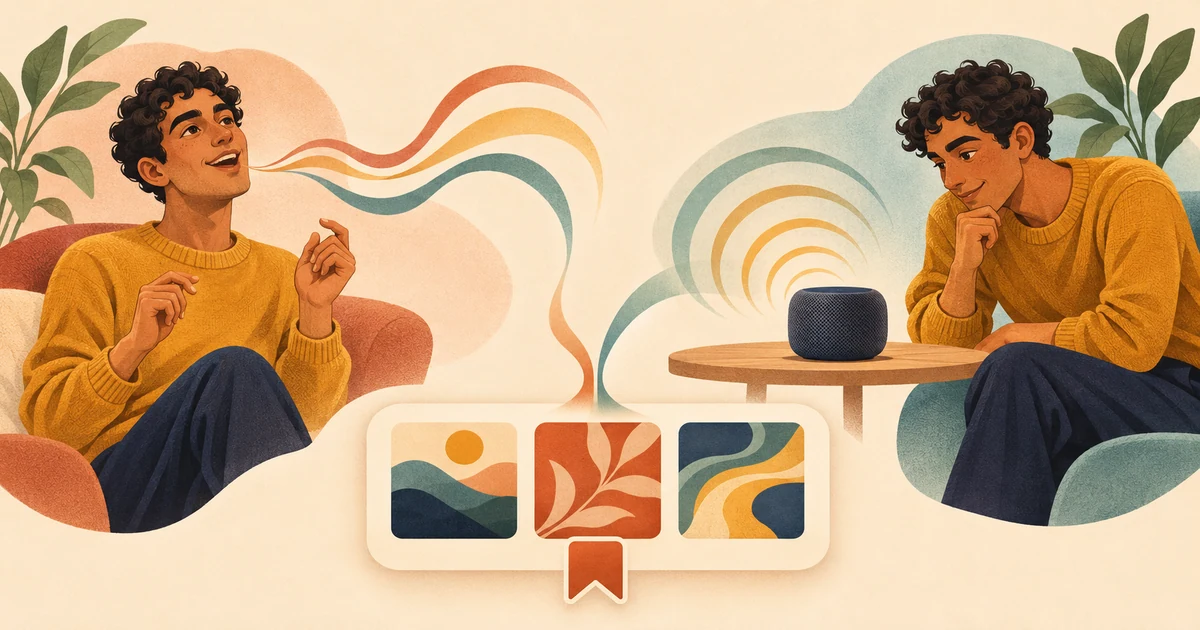
Start by working out what you have: a tune you remember or a recording you can still hear. For a melody in your head, hum, whistle, or sing it into Google's melody search, then listen to the likely matches. For audio that is still playing, use Music Recognition or Shazam. Check the title and artist, listen before deciding, and save the track once you are sure.
Choose the path that matches what you have
- Only remember the tune? Hum, whistle, or sing the part you can recall into melody search.
- Can you still hear the recording? Run Music Recognition or Shazam while it is playing.
- Already know the track and want more with a similar sound? Use the separate guide to finding similar songs.
Search a remembered melody
Open voice input in the Google app and look for its song-search option. The wording and location may vary by device or app version. Once it starts listening for a melody, hum, whistle, or sing the clearest part you remember. You do not need lyrics or a polished performance.
- Choose one distinctive chorus, hook, or repeated phrase rather than jumping between fragments.
- Keep a steady pace and let the phrase finish before you stop.
- No useful suggestions? Try another part of the song or switch between humming, whistling, and singing.
Use music recognition while the audio is playing
A song coming from a television, café speaker, video, or nearby device needs a different approach. Use recognition while the recording is audible instead of trying to recreate it from memory. On supported Apple devices, Music Recognition and Shazam identify music playing around you. A tune that exists only in your head needs melody search instead.
Start recognition before the music ends. When speech or background noise covers the song, wait for a clearer passage if possible, then try again.
Compare the candidates before accepting a match
Melody search may return several likely songs, and the first can be wrong. Open the strongest candidates and compare the section you remember with the same part of each recording.
- Start with the rhythm. Do the repeated notes and the movement up or down match?
- Read the song title and artist rather than relying on the album artwork.
- Compare the voice, instrumentation, genre, and apparent period with what you remember.
The whole song should fit what you remember. A familiar title is not enough if the melody sounds wrong, so keep looking.
Save the confirmed song before checking lyrics
Save the song as soon as you confirm it. Music Recognition on Apple devices keeps a history of identified tracks, while the Shazam app stores discoveries in its Library. Found it another way? Write down the exact title and artist or save it in your usual music service.
Lyrics can help after you identify the song, but you do not need them to begin. Find the track, listen, confirm the match, and save it. You can look up the lyrics afterward.
What to do after you identify it
Once you have confirmed the track, use it as the starting point for finding similar songs on Apple Music and Spotify.
Sources
- Google: Hum to Search
- Apple Support: Music Recognition